Curiosity & the Information Gap
The Email She Was Never Supposed to See
Priya worked in the finance department of a logistics company in Bangalore. She was careful and had sat through three security training sessions in two years.
On a Tuesday morning, an email appeared in her inbox.
Subject line:
"Fwd: Fwd: Do not share outside core team - Q3 restructuring list"
It was not addressed to her. The sender appeared to be a senior manager two levels above her. The first line read:
"Sorry - sent this to the wrong group. Please disregard if you are not on the core team."
Priya was not on any core team. She knew that.
She opened the email in under five seconds.
Inside was a link labelled "Confidential Document - View Only." She clicked it. A Google login page appeared. She entered her credentials without hesitating.
There was no wrong group. There was no senior manager. Every element - the forwarded chain, the apology, the exclusive subject line - had been built to make someone feel like they had stumbled onto something they were not supposed to see.
Her credentials were captured within seconds. The company's IT team flagged the breach four days later.
The attacker never tricked Priya into doing something suspicious. They only made her curious.
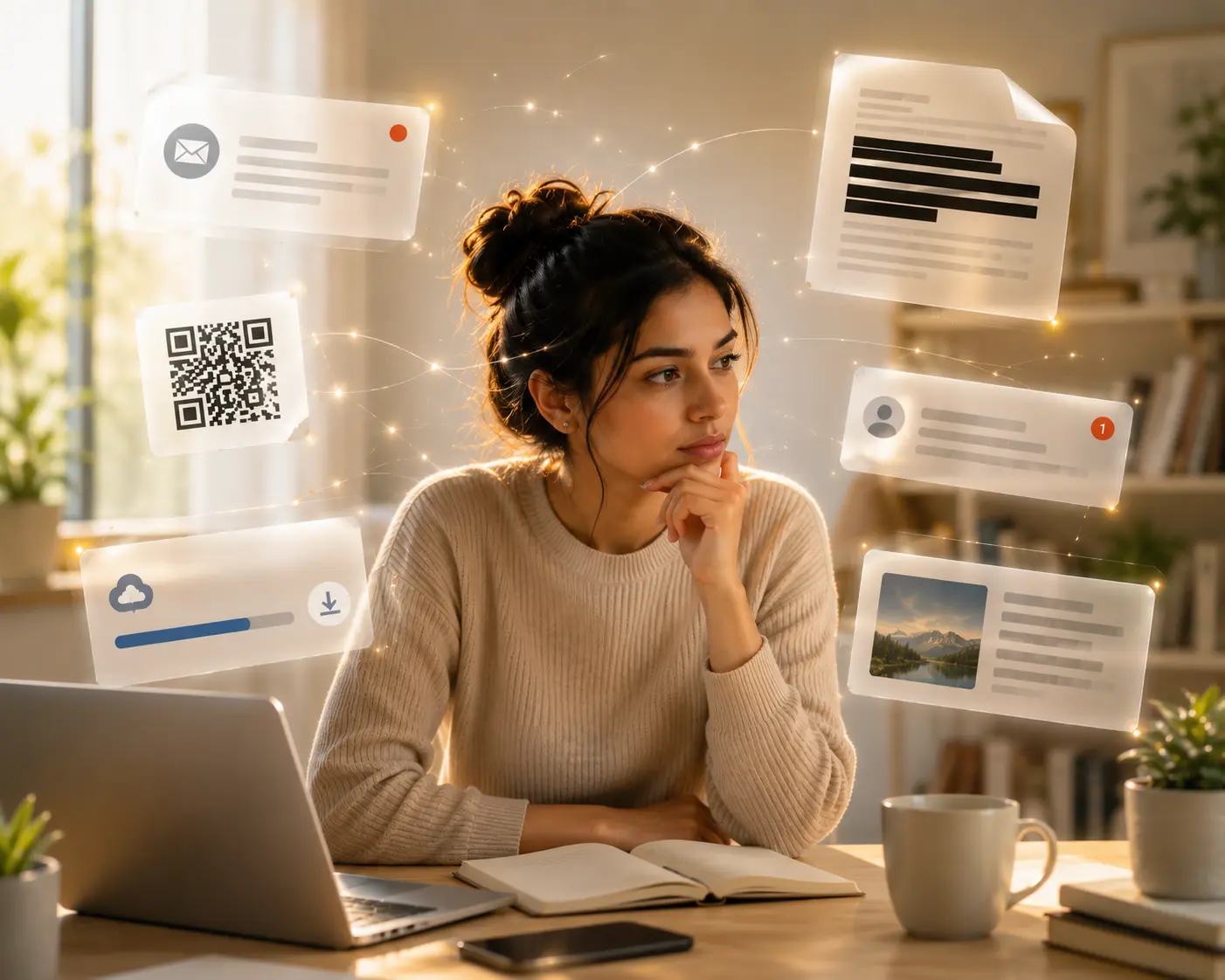
What Is Actually Happening: How Curiosity Becomes a Weapon
Curiosity is not a weakness. It is how every human brain works. It is the drive to close open loops, resolve uncertainty, and not be left out. Attackers study this drive and engineer every lure around it.
3.4B
phishing emails are sent every day - each one engineered around a subject line designed to make you open before thinking.
The subject line is not the message. It is the trigger. Everything else follows from the click.
Source: Cisco Annual Cybersecurity Report, 20243-Second Judgement
Most people decide whether to open an email within 3 seconds. That makes the subject line the most dangerous part of the attack.
66% of Breaches
Personalised spear-phishing represents just 0.1% of all phishing emails, but accounts for 66% of all confirmed breaches. Specificity multiplies impact.
Clickbait Engineering
A phishing subject line is not written. It is engineered. Attackers test variations and track open rates exactly the way email marketers do. Each formula pulls a specific psychological trigger.
"Action required on your account"
Which account? The vagueness is deliberate. An ambiguous message forces you to open it just to find out if it applies to you.
"Fwd: Internal only - please do not distribute"
Makes you feel like you received something by accident. The sense of accidental access is the hook.
These attacks are now automated, personalised, and assembled from public information in seconds. The subject line in your inbox may have been built for you specifically.
USB Drop Attacks and Malicious QR Codes
Not every attack arrives in an inbox. Some are left on the ground.
A USB drop attack is when an attacker leaves a storage device somewhere it is likely to be found. Car parks, office lobbies, and conference venues are common locations. The drive is labelled to maximise curiosity: "HR Salary Data," "Redundancy List 2024," "Private Photos." On many systems, inserting the drive executes malicious code automatically - before any file is opened.
Malicious QR codes work on the same principle. Attackers print fake QR codes and stick them over legitimate ones on restaurant menus, parking machines, and noticeboards. The scan feels passive. The destination is entirely controlled by whoever printed the sticker.
Curiosity still wins
Nearly half of people plugged in a found USB drive. The most common reason was simple curiosity about what was on it.
Forbidden Knowledge Appeals
When people are told they cannot access something, they want it more. Psychologists call this reactance - the urge to push back when something feels restricted or off-limits. The stronger the sense of exclusion, the stronger the pull.
Subject lines like:
"This message will self-delete in 24 hours"
or
"Leaked: Internal document not for public release"
are not careless phrasing. The restriction is the advertisement.
The same mechanic drives lure documents - files named "Confidential - Do Not Share.pdf" or "Employees Under Review - PRIVATE.docx" placed in shared drives or emailed to group lists. Opening them installs malware or routes to a fake login page. The label only needs to be tempting enough to act on before thinking begins.
In controlled studies, messages framed as "restricted" or "not for everyone" recorded click-through rates up to 3x higher than identical messages with neutral framing.
Source: Cialdini, R.B., Influence: The Psychology of Persuasion, updated research edition, 2021
Free Tools and Reports
Free things are powerful lures because the perceived risk feels low and the perceived value feels high. "Download our free threat report." "Free invoice template - instant download." "Install our free VPN." The real cost is your device, your login credentials, or your personal data.
Free PDFs can contain embedded scripts that run the moment the file opens. Free browser extensions can record every password you type. A free Word template asking you to "enable macros to display correctly" can silently install malware while you work.
The attacker has built a product. You are not the customer. You are what is being sold.
Gifts That Cost You More
Over 40% of malicious files arrive as free or pirated tools, documents, and browser extensions. Free does not mean safe - it often means you are the product.
Spot the Bait - Curiosity Autopsy
A lure is a structure, not an accident. Once you can name the structure, the pull loses power.
Try the Curiosity Check
Choose how you respond to each lure and see which psychological trigger is being used. The best defense is the moment you pause.
The simulation shows how simple choices can stop the trap before it starts.
What That Just Showed You
1. Curiosity is not a flaw. It is a surface. Every lure exploits something genuinely useful - the desire to stay informed, to not miss something important. The goal is not to stop being curious. The goal is to notice when that curiosity is being steered by someone else.
2. The trigger comes before the thought. The click, the scan, the plug-in almost always happens before conscious evaluation begins. The information gap creates urgency. That urgency suppresses caution. This sequence is predictable - which means it is also interruptible.
3. The label is the attack. With USB drives, QR codes, and lure documents, the harm starts the moment a label creates enough curiosity to act. Asking "why does this exist, and where did it come from?" before touching it stops the attack before it starts.
4. Training does not make you immune. The information gap fires in trained professionals the same way it fires in everyone else. Priya had sat through three security sessions. She still opened the email in under five seconds. The mechanism operates before knowing begins.
Four Things Worth Doing
1. Ask one question before you click. When something creates an immediate urge to open, click, or scan, pause and ask: "Did I go looking for this, or did it come to me?" If it came unsolicited, verify the source first. This single question interrupts the automatic sequence most attacks depend on.
2. Never enter your login credentials from a link someone sent you. If an email, QR code, or pop-up takes you to a login page, close it. Open a new browser tab and type the address yourself. This defeats the majority of phishing attacks entirely. The address bar is the one thing an attacker cannot fake.
3. Treat found physical objects the same way you treat found food. A USB drive in a car park is an unknown object from an unknown source. Do not plug it in. Hand it to your IT team or a security desk. The label on it is not information. It is bait.
4. Verify free downloads before opening them. Scan any unsolicited free tool, template, or report at virustotal.com before opening it. If the file asks you to enable macros or disable security settings, close it immediately.
One Question Before You Continue
Which of the following is the safest practice when something creates an urgent curiosity pull?